Circle · 2025–26 · Lead Product Designer
Developer Tooling
The surfaces a developer touches to build on Circle and Arc — docs, App Kits, the console — and the connective tissue between them and Arc Studio.
- 4
- Surfaces: Docs, App Kits, Console, Studio entry points
- Nov 2025
- Circle Docs re-platformed on Mintlify
- Majority
- Of Arc Docs traffic is now agent traffic
What this is
At Circle I own the design of the developer-facing layer: the documentation for Circle and Arc, the App Kits SDK suite, the developer console, and — most importantly — how those surfaces hand off to each other and to Arc Studio. Studio gets its own case study because it’s a product; this one is about the system it sits inside.
The goal of the whole system is a single sentence: a developer should be able to arrive with an idea and leave with something running, without ever wondering where to go next.
The surfaces
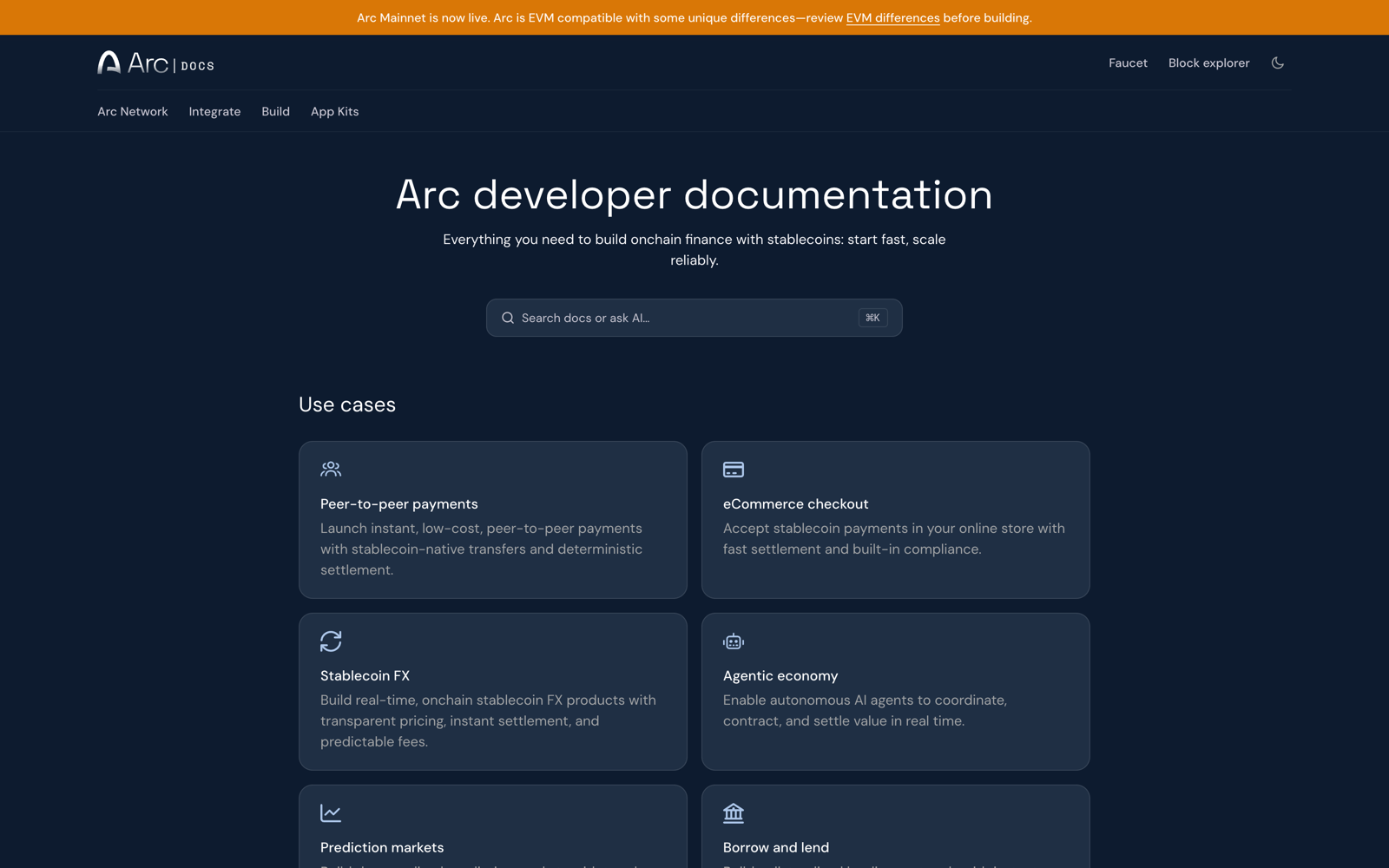
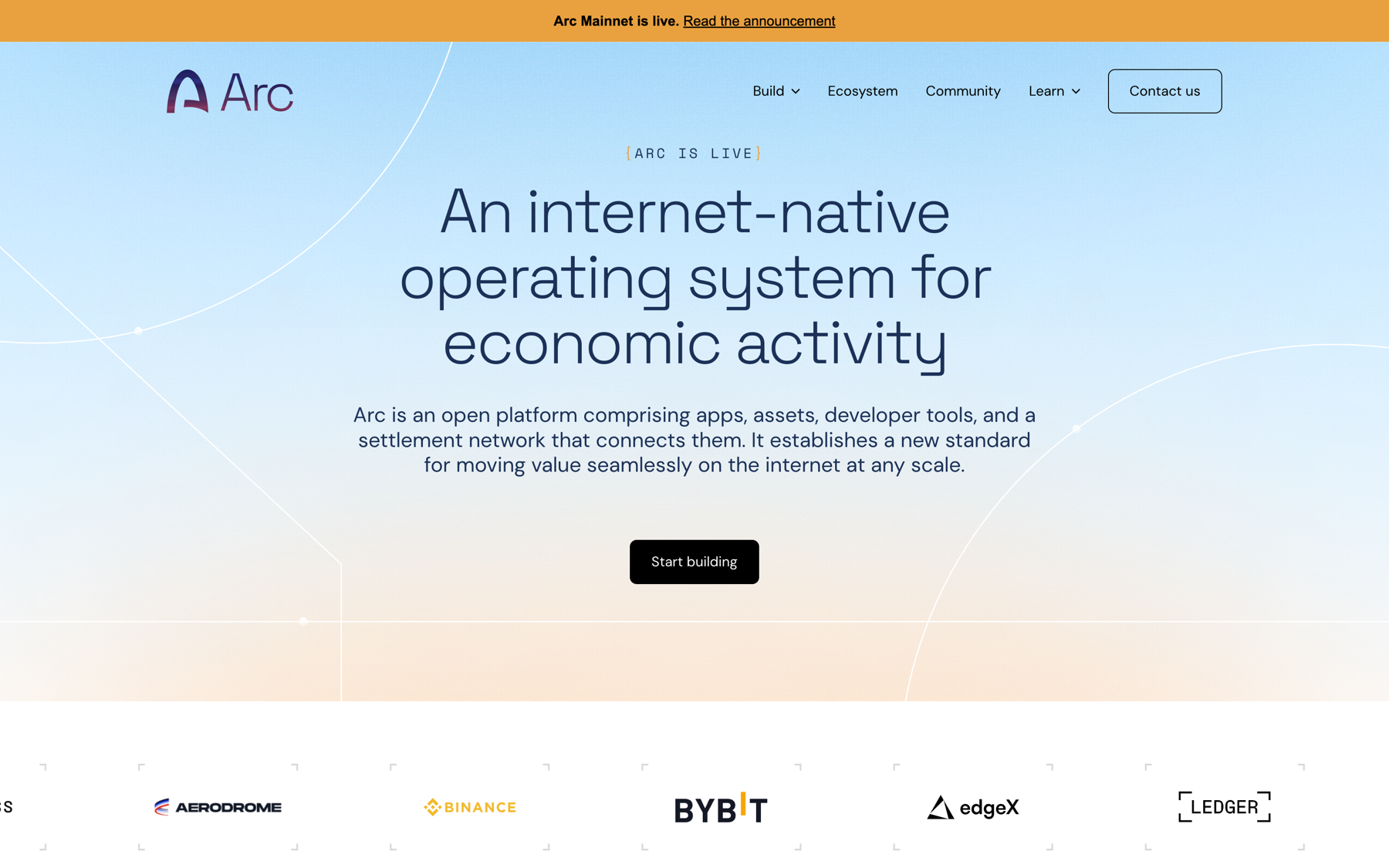
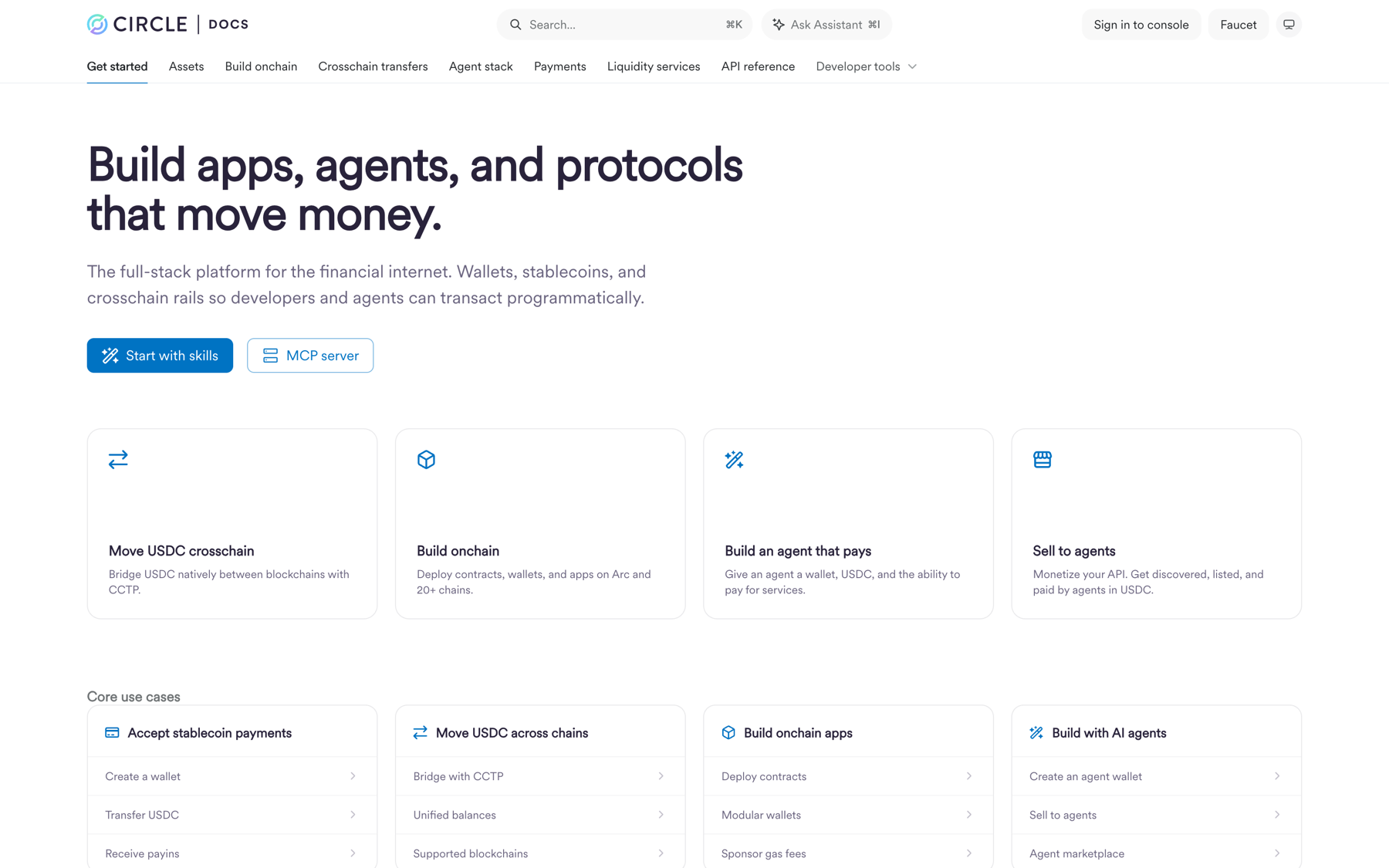
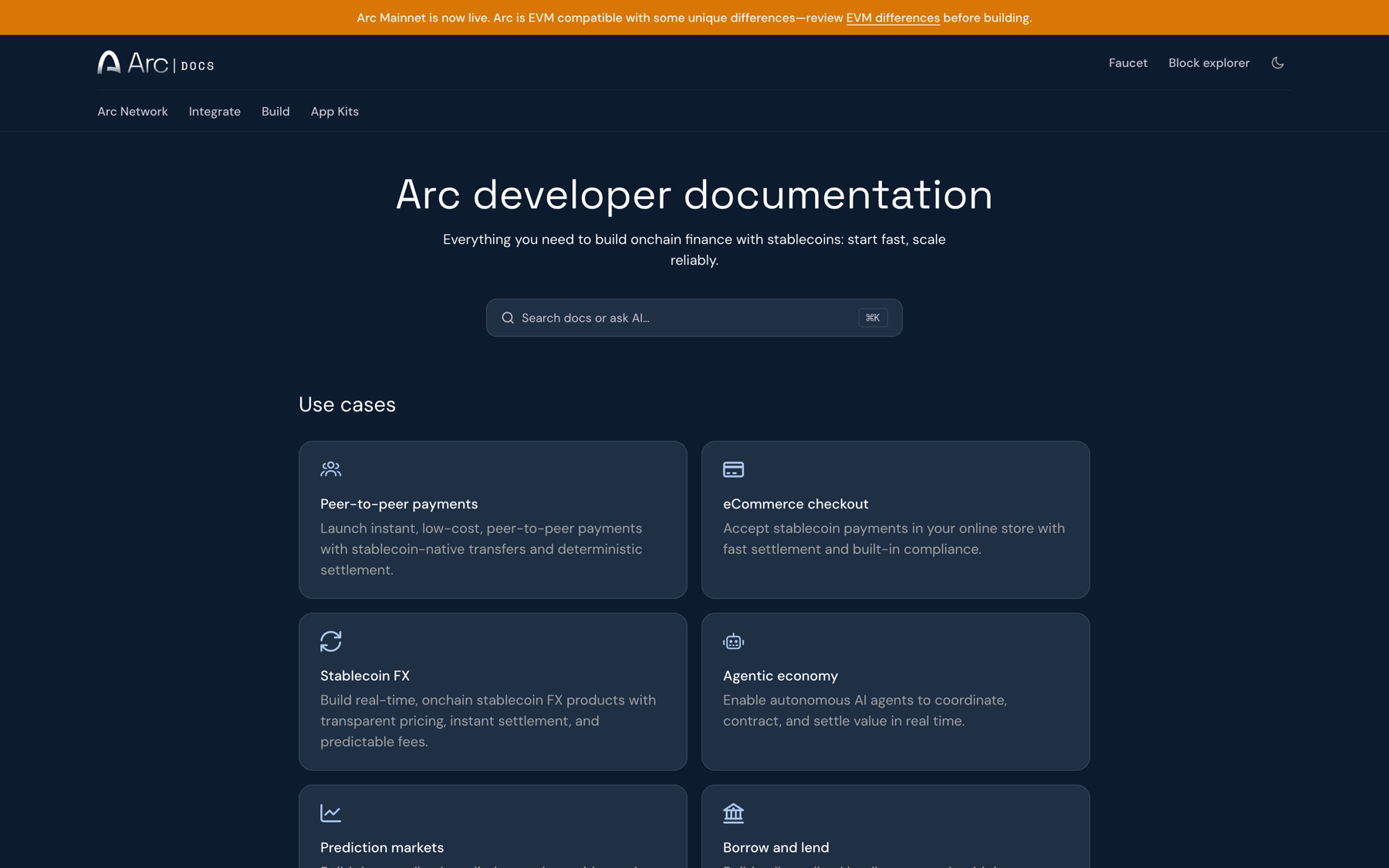
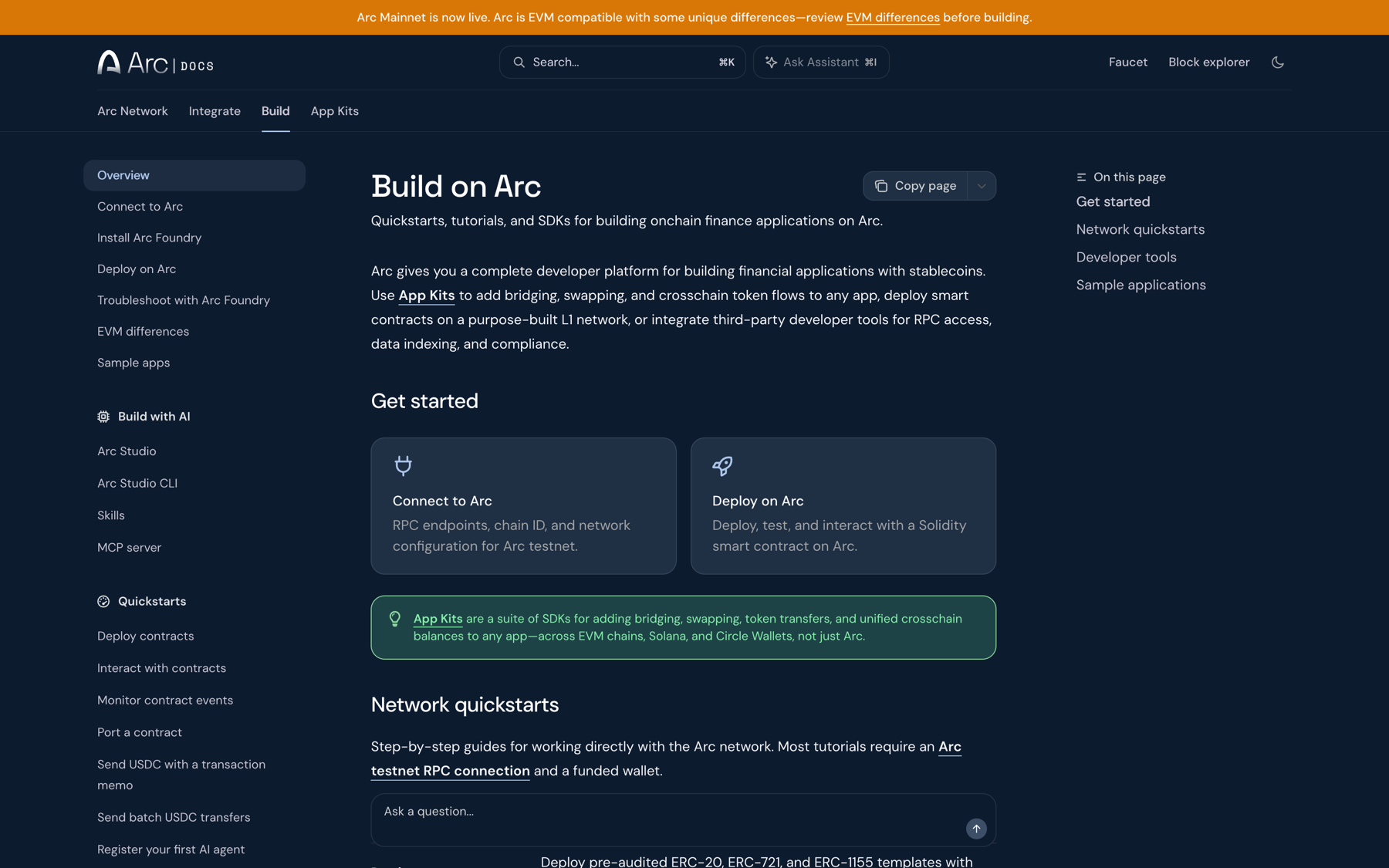
Documentation — two sites (Circle Docs, Arc Docs), one architecture. I reorganized both around use cases and developer workflows instead of product names, redesigned the Circle Docs homepage, defined navigation, wrote the long-term docs strategy, and created Arc’s Mintlify styles, testnet experience, “Welcome to Arc,” and mainnet homepage. Circle Docs re-platformed onto Mintlify in November 2025.
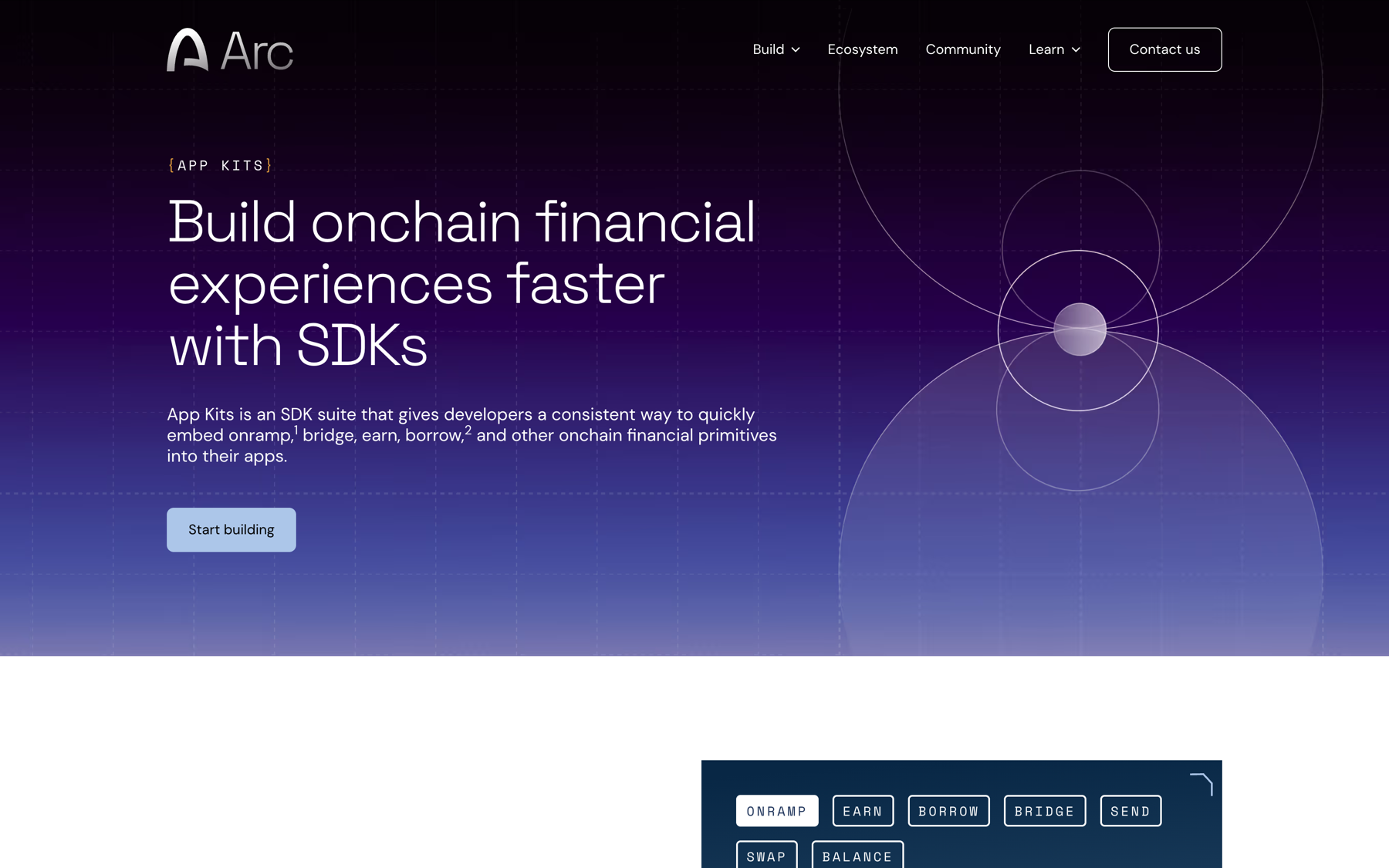
App Kits — the SDK suite for onramp, earn, bridge, send, swap, and balance. My work here was on how kits are discovered and understood: the positioning on arc.io, the path from a use case in the docs to the kit that serves it, and keeping the kit names and mental model consistent everywhere they appear.
Console — where keys and configuration live. I designed Kit Keys in Console, the credential flow that connects a kit in your code to your account, so “get a key” is a single clear step rather than a hunt.
Studio entry points — Studio is the fastest way to a running app, so every other surface needs to know when to send you there. The docs “Build with AI” section, the Skills and MCP entry points, and the sample-app strategy all exist to route the right developer to Studio at the right moment — and to route Studio users back to docs and kits when they need depth.
The systems work
Individually, each surface is a normal design problem. Together they’re a routing problem: a developer’s next step should be obvious from wherever they’re standing.
Concretely, that meant:
- One vocabulary. Kit names, use-case names, and product names are identical across arc.io, both docs sites, Console, and Studio. Drift here is the most common way developer platforms become confusing, and it’s a design responsibility, not a content one.
- Shared IA. Circle Docs and Arc Docs use the same top-level model (use cases → workflows → reference) so a developer who learned one can read the other.
- Handoffs designed as flows, not links: “Deploy on Arc” from the docs lands in the exact Studio state that continues the task; “get a key” from a kit lands on Kit Keys with the kit pre-selected.
- Sample apps as the bridge between reading and building — real, runnable, and the same ones Studio can open.
Designing for agents
The fastest-growing reader of the docs isn’t a person. I treated the agent as a user with its own journey: an entry point (Skills, MCP server), a mental model (the same use-case structure people get), and predictable page shapes so retrieval works. Beyond design, I shipped a product-context and code update to the docs codebase myself.
Internal stakeholders now report that the large majority of Arc Docs traffic is classified as agent traffic. There’s no formal docs KPI framework yet, so I hold that number loosely — but it validated the bet early.
Outcome
A developer platform that reads as one system rather than a collection of products: shared architecture across two doc sites, kits that are named the same everywhere, a console that connects to the code, and Studio woven in as the fast path rather than bolted on.